
Telemetry as it happens
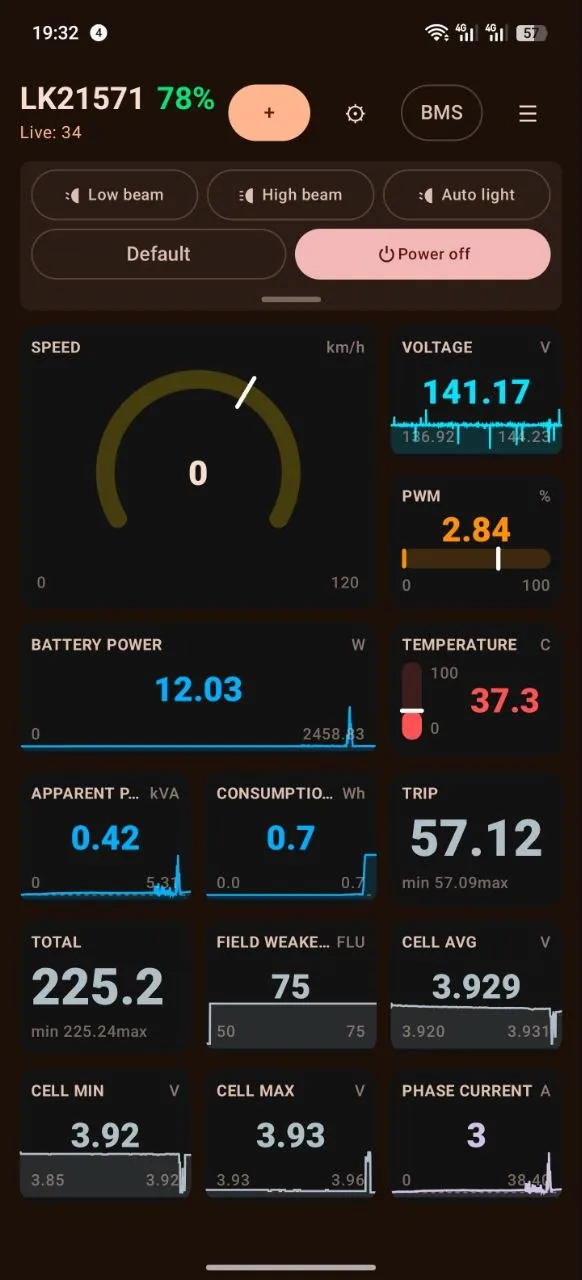
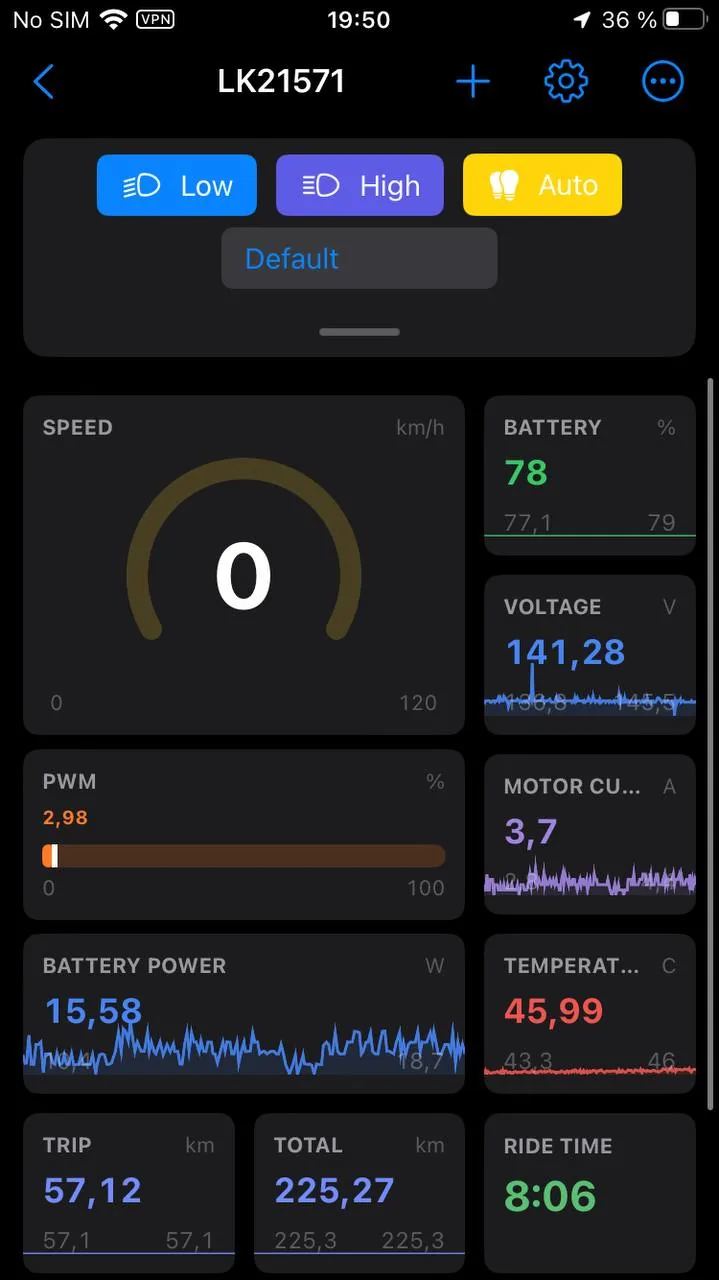
Speed, PWM, voltage, currents, power, temperatures, lean angles and distance. Whatever the wheel is willing to report.
Android · iPhone · Wear OS · watchOS
LoEUC reads telemetry over Bluetooth, records rides, shows battery data and warns you while there is still headroom left. LeaperKim, NOSFET, InMotion, Begode, KingSong.
The short version
Speed, PWM, voltage, currents, power, temperatures, lean angles and distance. Whatever the wheel is willing to report.
Pick the tiles you want, drag a corner to resize, reorder them. Gauges, numbers, charts and a map on one screen.
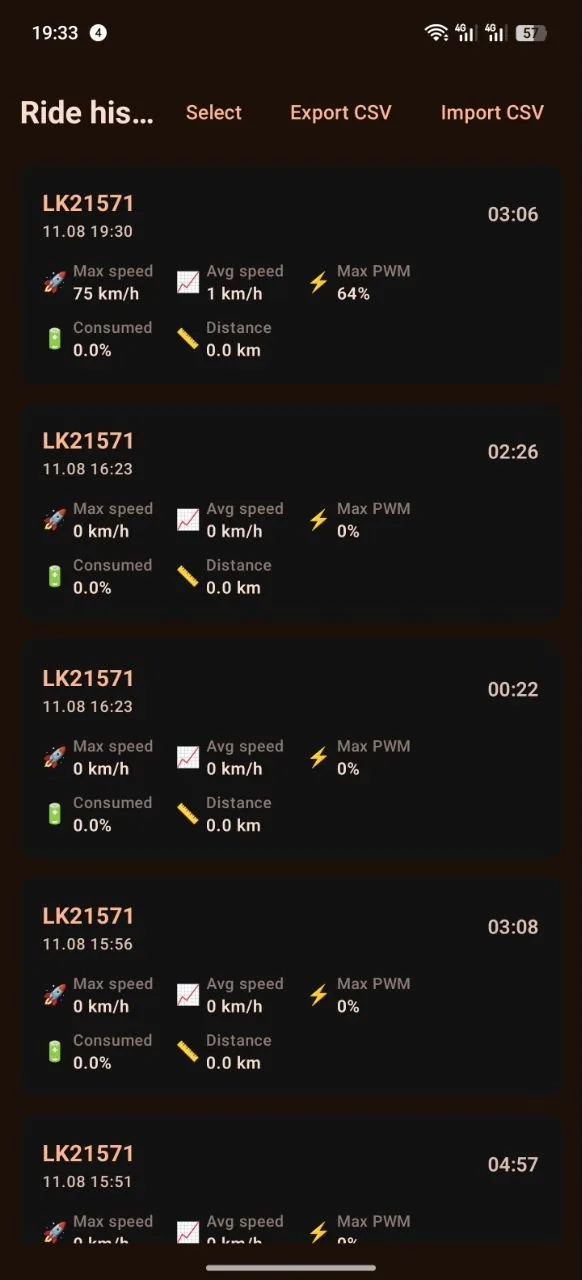
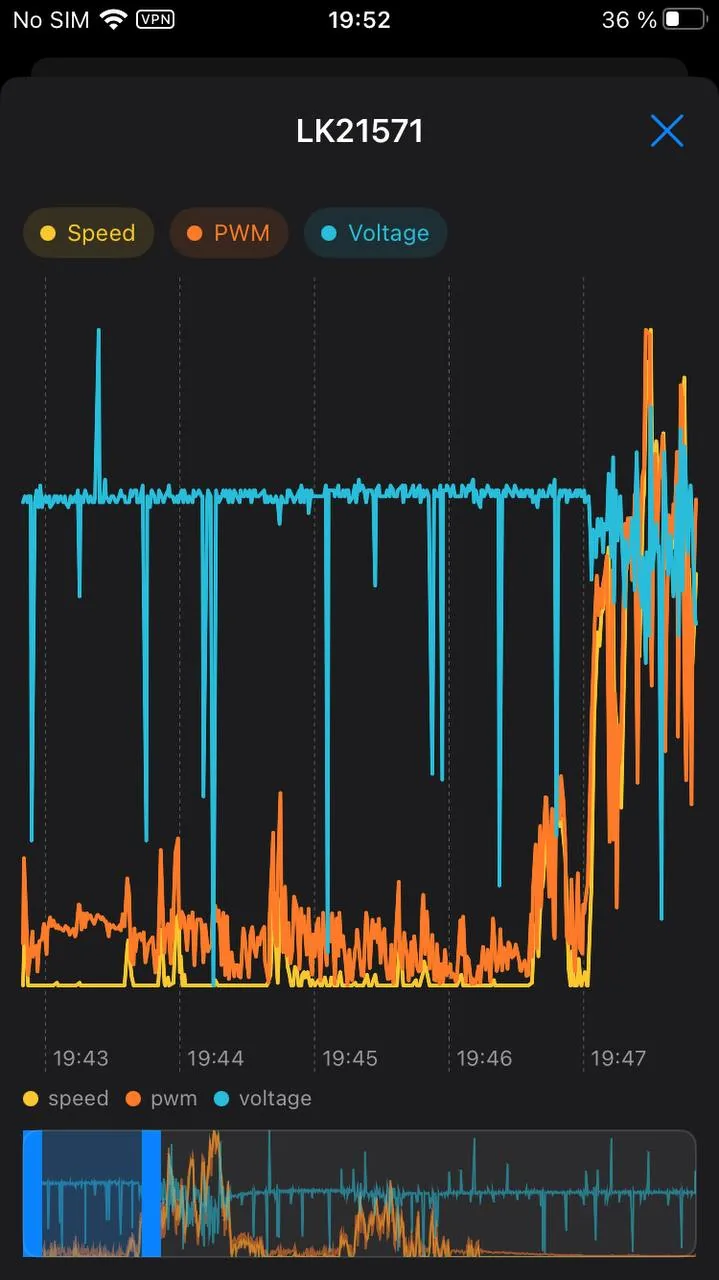
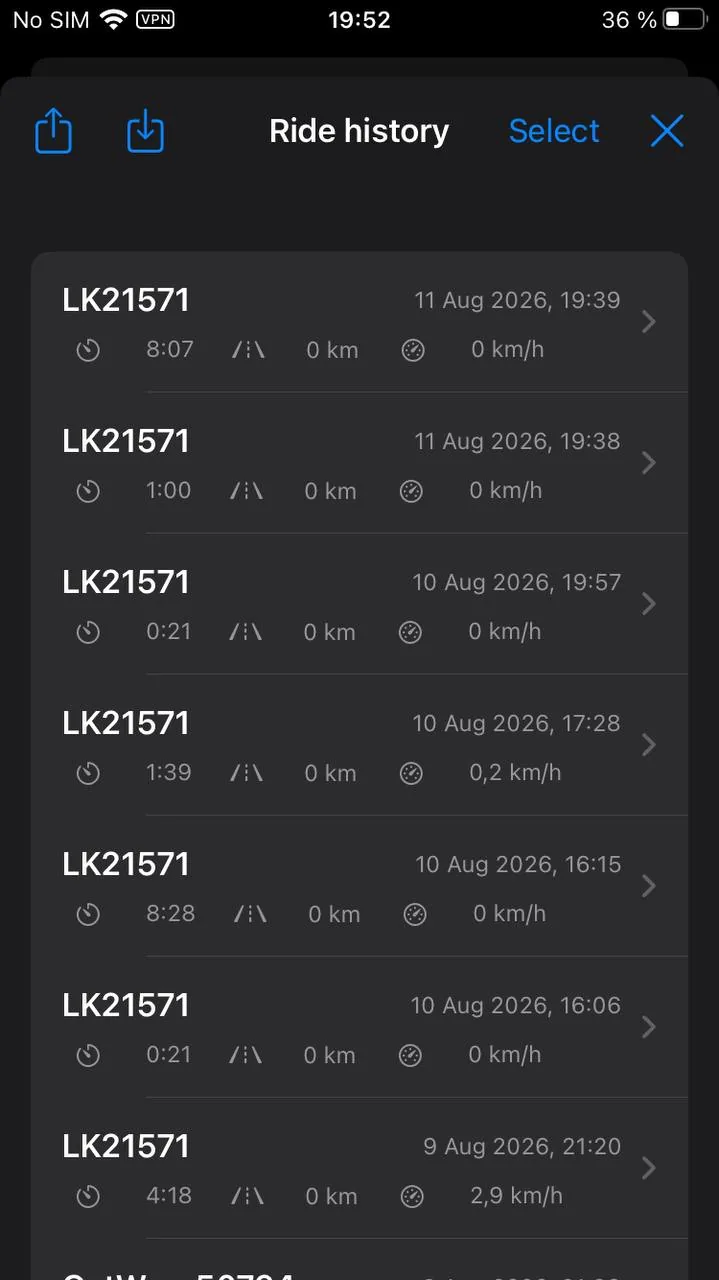
Ride history with a chart per metric, a GPS track on the map, and a summary image to send to friends.
Voltage of every cell, the spread between them, temperatures, charge and discharge currents, capacity and cycle count.
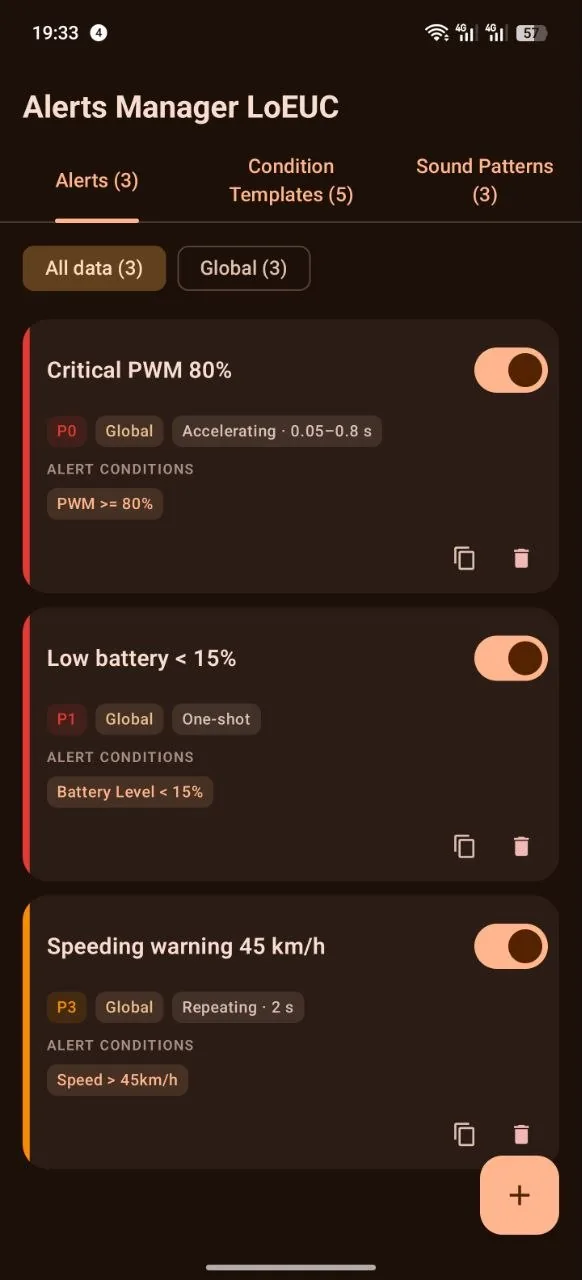
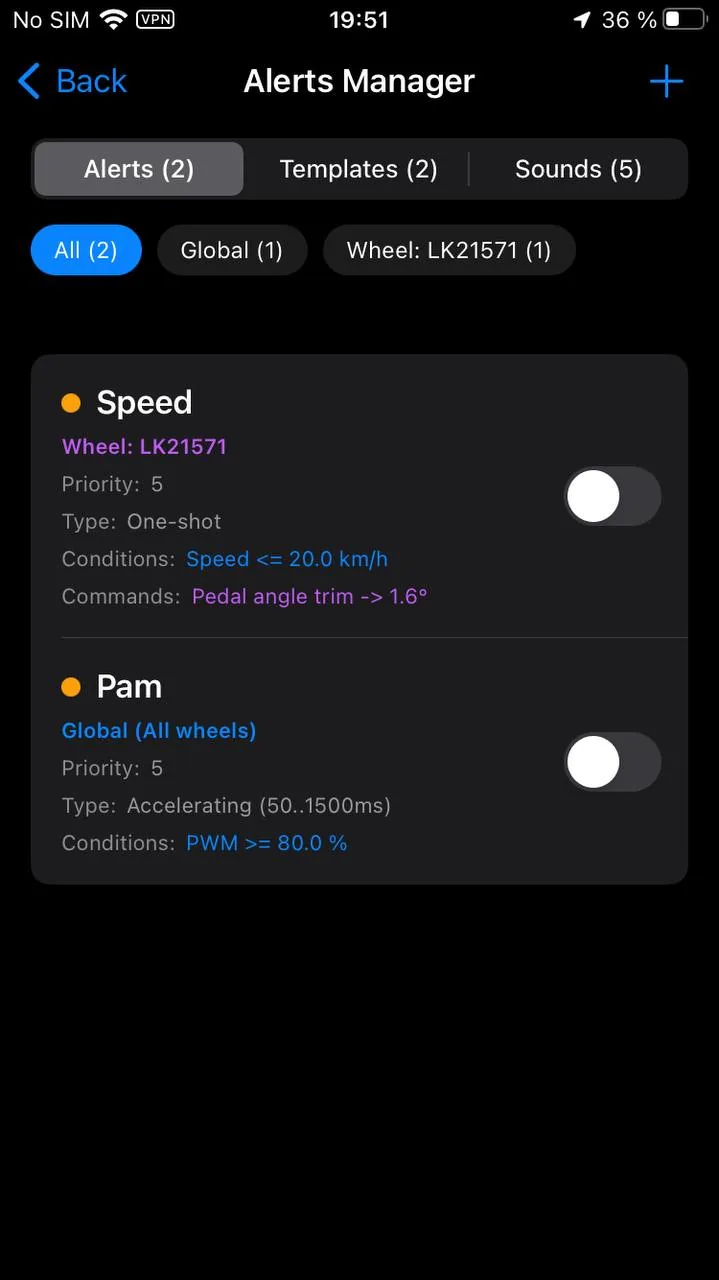
Any metric, your own thresholds, your own logic. The sound is built step by step instead of picked from three presets.
Settings are written straight from the app and saved as presets you can hand to another rider.
What it looks like
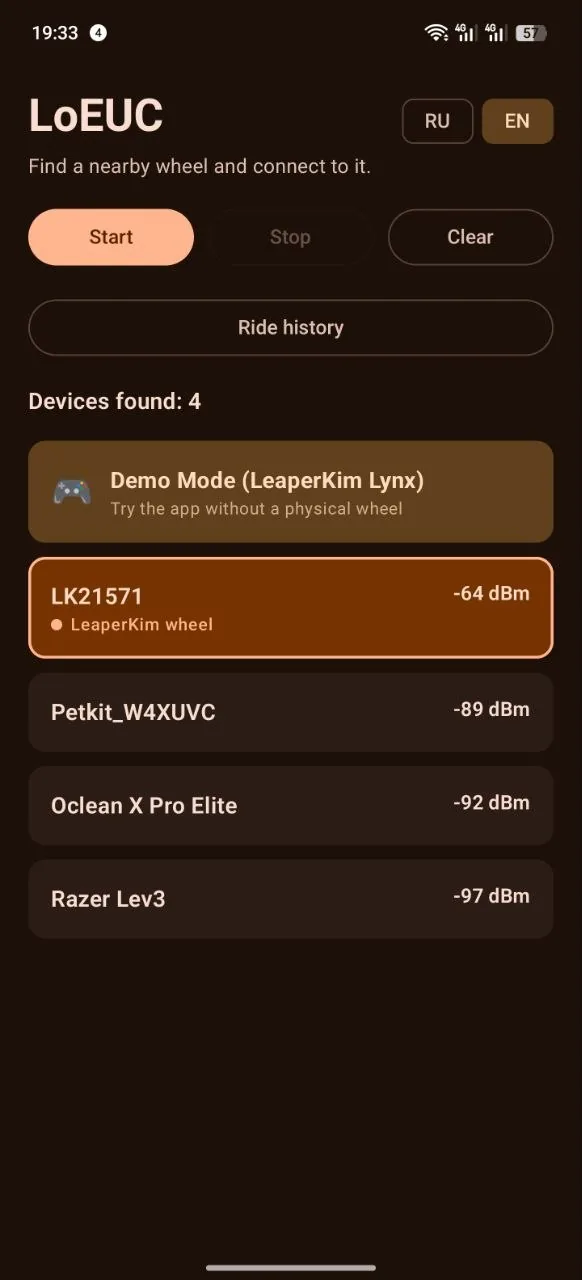
The Android screens are rendered from demo data, the iPhone ones taken on a real wheel. The app no longer borrows its colours from the system theme: the palette is its own, in light and dark.
Download
The app is free and has no ads. It works locally without an account. Synchronization with your personal cabinet is your choice.
Installed from the App Store, updated like any other app.
An Apple account is required
The App Store carries the stable version. TestFlight gets test builds earlier: fresher, but less proven.
A direct download. Android will ask you to allow installs from this source, which is expected.
Google Play carries the stable build: tested, and released less often. The direct download above is always newer.
SHA-256 checksum
078cced311e5dedf71f32bba15ed617ae0518654519cfc5fa9be76d35e27ad54
The Wear OS watch app. If the phone app was not installed from Google Play, the watch will not receive its own — this file installs it by hand.
SHA-256 checksum
19bb99900e5ebe485f3f0d9c569bf6ecdf284ba15235ec1fa75f9e77477727ce
Wheel support
A straight answer about what has been confirmed on real wheels and what comes from reverse engineering and still needs checking.
Every brand and every field in detail: the wheels section
Write to me. Adding a model needs a capture of the conversation with the wheel, which the app records itself, plus a couple of known readings from the wheel display to check the decode against.